Client Resources

Tools Built for Our Clients

Four purpose-built tools that make every phase of our work together seamless, transparent, and effective — from kickoff to final delivery.

These tools were designed and built in-house by the Monolith UX team. Each one eliminates a specific friction point in the client–agency relationship. Access is included with all active engagements.

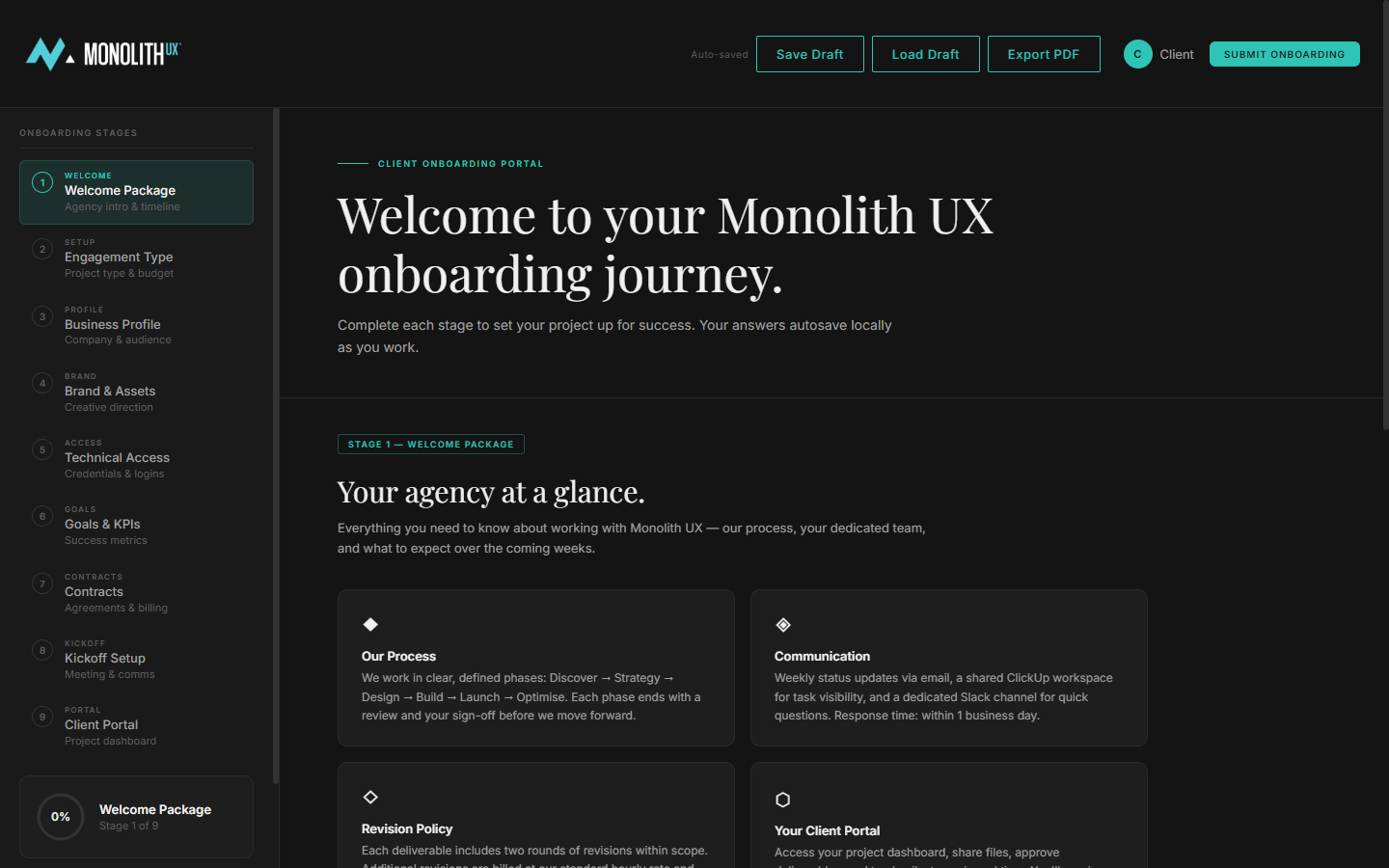
01 / Client Onboarding

Your Project. Your Portal.

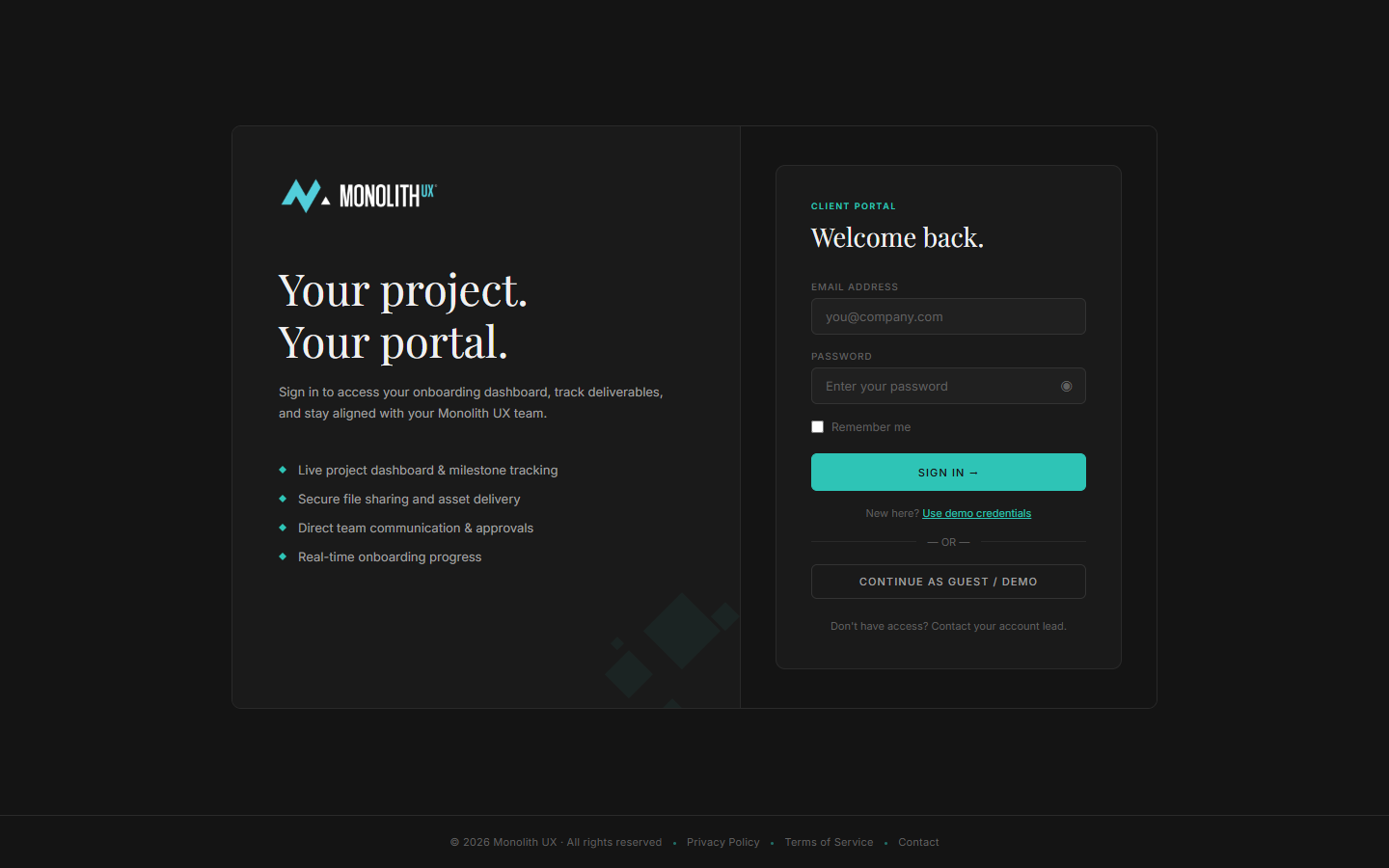
Everything you need to kick off your engagement — in one place. Complete your intake form, review your project scope, upload brand assets, and get your dedicated workspace set up before day one.

  • 9-stage guided onboarding journey
  • Live project dashboard & milestone tracking
  • Secure file sharing and asset delivery
  • Direct team communication & approvals
  • Real-time onboarding progress indicator
Open Onboarding Portal →
monolith-ux.com / onboarding
Client Onboarding Dashboard — 9-stage journey view
monolith-ux.com / onboarding / login
Client Onboarding Portal login screen
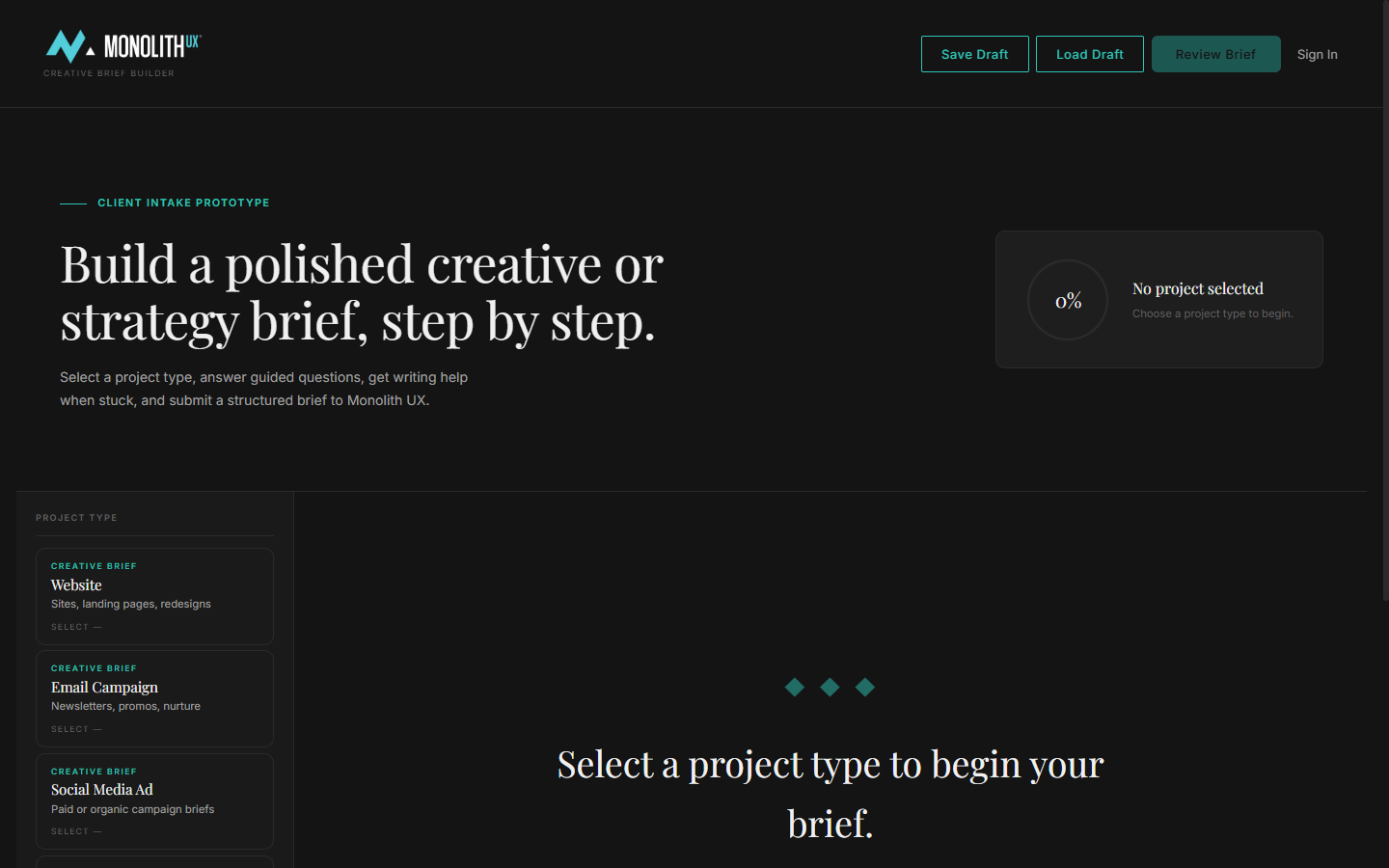
monolith-ux.com / brief-builder
Creative & Strategy Brief Builder — project type selection
02 / Creative & Strategy Brief

Build Your Brief, Step by Step.

A guided brief-building tool that helps you articulate your brand, goals, audience, and creative direction clearly. The output feeds directly into our strategy and design process — reducing discovery time and improving brief quality.

  • Guided questions for every project type
  • Support for Website, Email, Social, and more
  • AI writing assistance when you're stuck
  • Save drafts and return any time
  • Submits directly to your Monolith UX team
Open Brief Builder →
03 / Monolith UX Vault

Your Client Knowledge Hub.

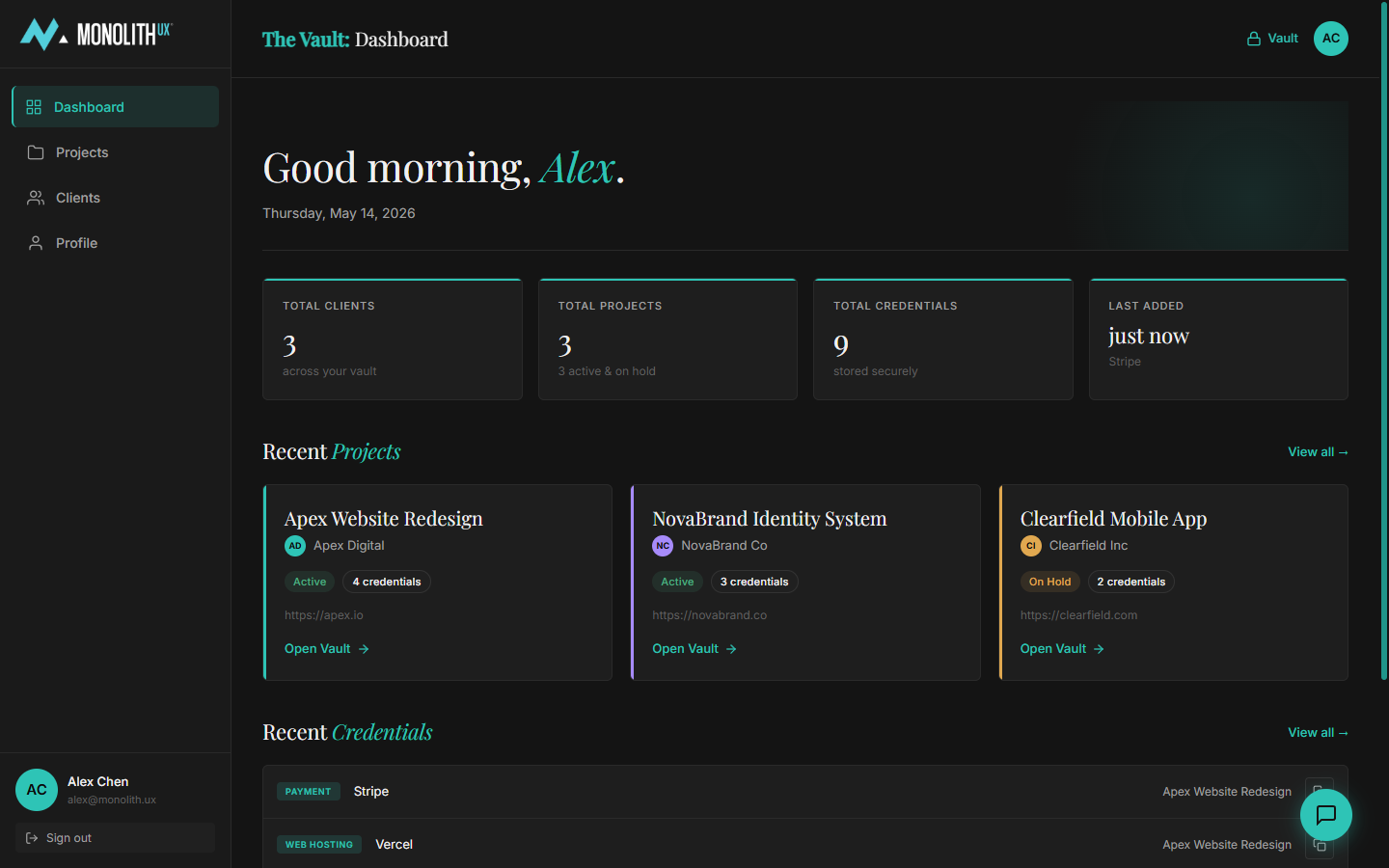
The Vault is your central repository for everything we produce together. Project files, brand assets, design decisions, credentials, and deliverables — organised and searchable. One source of truth for your entire engagement.

  • Centralized project & credential storage
  • Searchable across all clients and projects
  • Secure credential vault with role-based access
  • Recent projects and activity feed
  • Works across all active engagements
Open UX Vault →
monolith-ux.com / vault / dashboard
Monolith UX Vault dashboard showing projects and credentials
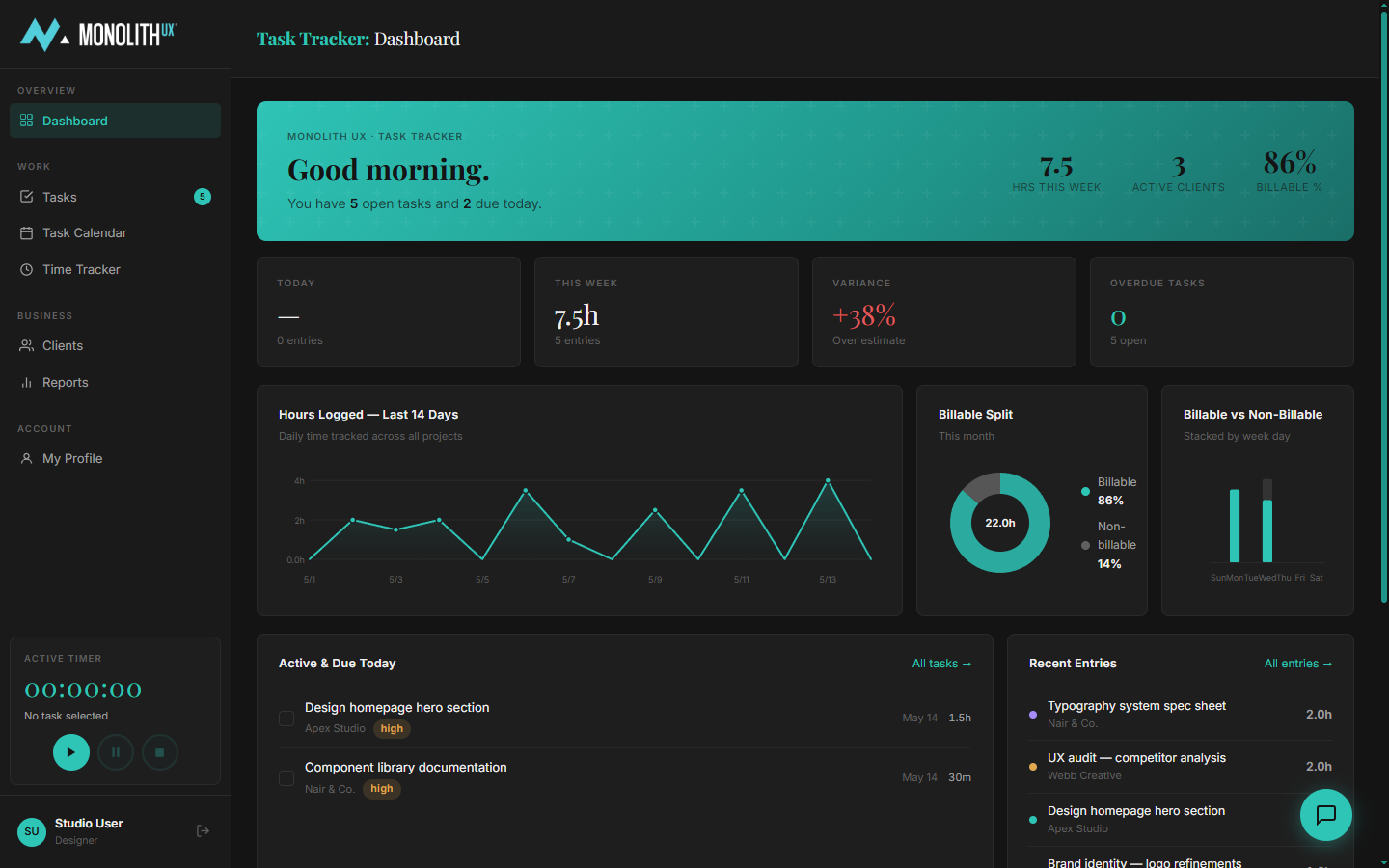
monolith-ux.com / task-tracker
Monolith UX Task Tracker dashboard with time tracking and active tasks
04 / Task Tracker

Real-Time Project Visibility.

See exactly what's in progress, what's waiting on your approval, and what's been completed — without scheduling a status call. Full transparency into time logged, tasks due today, and billable vs. non-billable work.

  • Live task status across all active work
  • Hours logged and billable split tracking
  • Tasks due today & overdue flags
  • Active timer for real-time tracking
  • Recent entries and weekly variance report
Open Task Tracker →
Getting Access

Tools Included With Every Engagement

All four tools are available to active Monolith UX clients. Sign in using the credentials sent in your welcome email. Need help? Contact your account lead or email us directly.

Contact Your Account Lead
Start a Project

Want Access to These Tools?

Become a Monolith UX client and get full access to all four tools from day one.

Start a Project →
Monolith UX Assistant

Monolith UX

Online · Typically replies in minutes

Hi there 👋 I'm the Monolith UX assistant. How can I help you today?